How accurate is the video transcription?
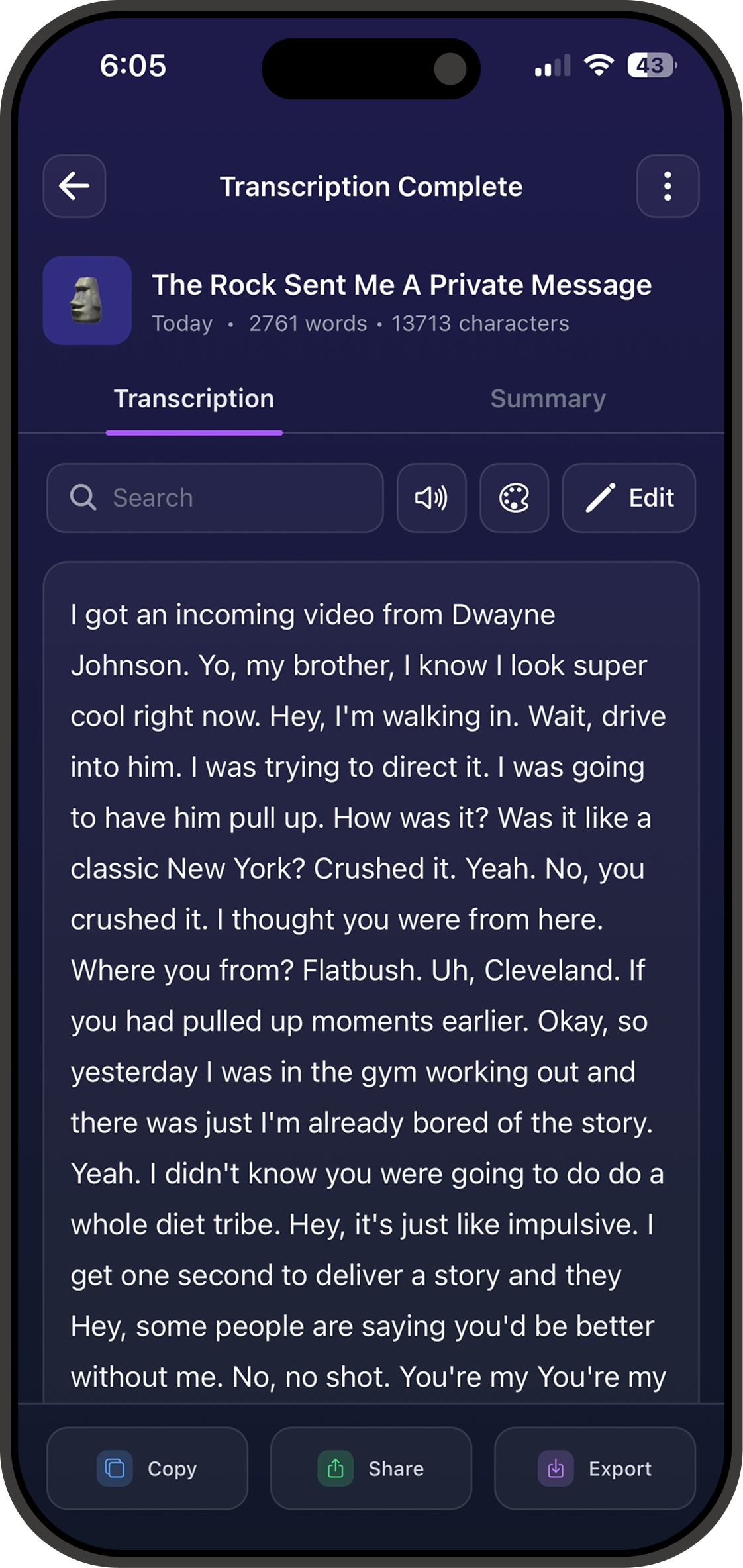
Vid2 uses AI speech recognition that consistently reaches around 95% accuracy across dozens of languages. Results vary with audio clarity, accents, and background noise, and you can edit the transcript afterward in the app.
What video and audio formats can I transcribe?
You can upload common video formats like MP4, MOV, MKV, and WebM, paste a YouTube link, record audio directly in the app, or import voice memos and other audio files. Vid2 turns all of them into text.
Can I transcribe a YouTube video?
Yes. Paste a YouTube URL into Vid2 and it will fetch the audio and generate a full transcript, with no downloading or converting required.
How many languages does Vid2 support?
Vid2 transcribes in over 70 languages with automatic language detection, so you can drop in content from anywhere and get text back in the original language.
Does Vid2 label speakers and summarize the transcript?
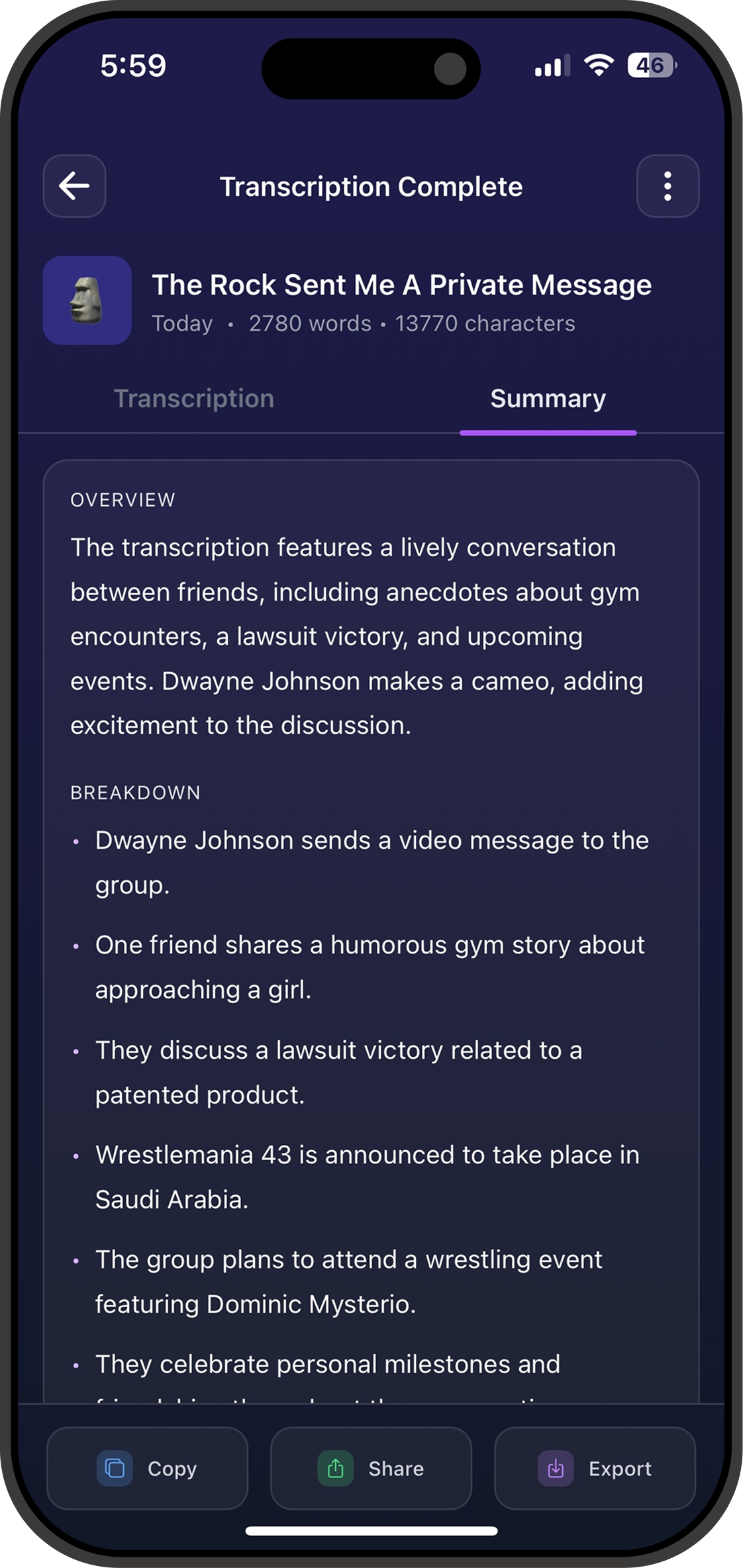
Yes. Vid2 automatically separates and labels different speakers (diarization) and can generate a one-tap AI summary with an overview and key points from any transcript.
Is Vid2 free?
Vid2 is a free download on the App Store and lets you start transcribing right away. A subscription unlocks higher limits and advanced features, which you can try before you commit.
What devices does Vid2 work on?
Vid2 is an iPhone app available on the iOS App Store. Your transcriptions are organized in folders and synced to your account so they stay with you.